Audiophile workspace
macOS Native · Open Source · Free

Bit-Perfect Audio,
Automatically.

PureRate lives in your menu bar and instantly matches your DAC's sample rate to the lossless track playing in Apple Music. No more Audio MIDI Setup. No compromise.

macOS security warning? Run this command in Terminal:

xattr -cr /Applications/PureRate.app Why is this needed?
macOS 14+
Lightweight < 2 MB
Real-Time Sync
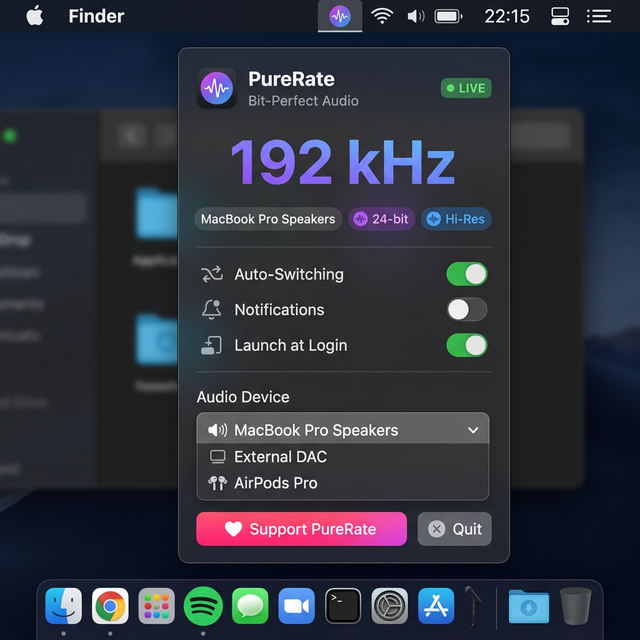
PureRate app interface

Everything You Need for
Perfect Playback

PureRate handles the tedious work so you can focus on what matters — listening.

Automatic Rate Switching

Detects 44.1 kHz, 48 kHz, 96 kHz, 192 kHz and beyond in real-time through Apple Music's unified logs. Switches your DAC instantly.

🎯

Target Any Device

Choose exactly which audio output (USB DAC, headphone amp, AirPlay) gets synchronized, or let PureRate follow the system default.

Hi-Res Lossless Ready

Full support for Apple Music's Hi-Res Lossless catalog at up to 192 kHz / 24-bit. Color-coded quality indicators at a glance.

📊

Rate Change History

A live timeline records every sample rate switch with timestamps and success status, so you can verify bit-perfect delivery.

🖥️

100% Native macOS

Built entirely in Swift with SwiftUI, CoreAudio, and OSLog. No Electron, no background daemons, no bloat. Under 2 MB total.

🚀

Launch at Login

One toggle to auto-start with your Mac via SMAppService. PureRate is ready the moment you are, completely invisible until needed.

Three Steps to Bit‑Perfect Audio

No configuration files, no terminal commands. Just download, open, and listen.

1

Download & Install

Grab the .dmg file below. Drag PureRate to your Applications folder — that's it.

2

Select Your DAC

Click the waveform icon in your menu bar and pick the audio device you want to keep in sync.

3

Play & Forget

Press play in Apple Music. PureRate detects the track format and switches your hardware sample rate instantly.

Your Setup Deserves Better

Whether you run a flagship DAC stack or premium wireless — PureRate keeps the signal chain honest.

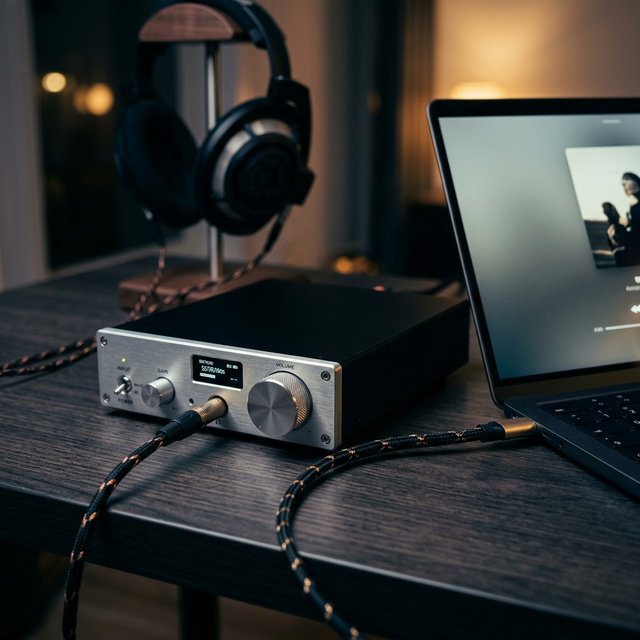
Premium DAC setup

Precision DAC Switching

Automatically match your external DAC's native rate

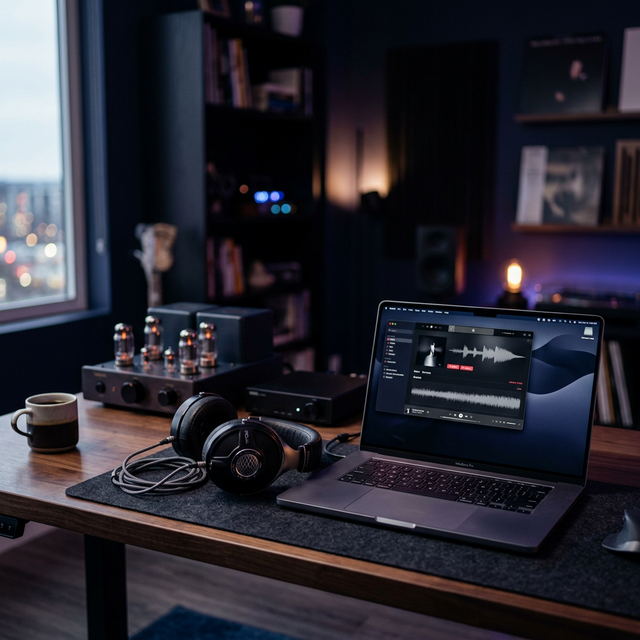
Audiophile listening station

Seamless Listening

Focus on music, not Audio MIDI Setup

Common Questions

Everything you need to know before and after installing PureRate.

Yes! PureRate detects standard Lossless (up to 48 kHz / 24-bit) and Hi-Res Lossless (up to 192 kHz / 24-bit) formats from Apple Music. It parses the actual stream parameters, not metadata, so the rate is always accurate.
PureRate is a free, open-source app distributed outside the Mac App Store. macOS Gatekeeper will block it with a dialog like:

"Apple은 'PureRate.app'에 사용자의 Mac에 손상을 입히거나 사용자의 개인정보에 침입할 수 있는 악성 코드가 없음을 확인할 수 없습니다."

This is expected — PureRate is safe. Here's how to fix it:

Step 1. In the dialog, click 완료 (Done) — do not click "휴지통으로 이동 (Move to Trash)".
Step 2. Drag PureRate.app to your Applications folder as usual.
Step 3. Open Terminal (⌘ Space → type Terminal → Enter) and run:
xattr -cr /Applications/PureRate.app
Step 4. Open PureRate normally.

Alternative (no Terminal): After step 1–2, go to System Settings → Privacy & Security, scroll down, and click "Open Anyway" next to PureRate.
Currently, PureRate is designed exclusively for Apple Music on macOS. It works by reading Apple Music's internal log messages. Other players like Tidal, Spotify, or Audirvana use different mechanisms and are not supported at this time.
No. PureRate polls the system log every 2 seconds using native APIs — this is extremely lightweight. It typically uses less than 0.1% CPU and negligible memory. There's no constant audio processing happening.
1. Make sure "Auto-Switching Enabled" is toggled on in PureRate.
2. Verify that your DAC is selected in the "Target Device" dropdown (or that it's the system default).
3. Ensure Apple Music is set to play Lossless/Hi-Res: go to Music → Settings → Playback → Audio Quality and set "Lossless" downloads or streaming.
4. Grant PureRate Full Disk Access under System Settings → Privacy & Security → Full Disk Access if log reading is blocked.
Yes, PureRate is completely free and open-source under the MIT license. If you find it useful, you're welcome to buy the developer a coffee ☕ — but it's entirely optional!